TIL
day34 TIL
dalooong
2023. 7. 9. 02:37
23-06-07
spring 간단한 로그인 화면 구현
- MvcController
package com.example.mvc;

import com.example.mvc.model.Student;
import org.springframework.stereotype.Controller;
import org.springframework.ui.Model;
import org.springframework.web.bind.annotation.RequestMapping;

@Controller
public class MvcController {
    @RequestMapping("/")
    public String home(Model model) {

        model.addAttribute("message",
                "Hello, daeon!");
        return "home";
    }

    @RequestMapping("/student")
    //객체를 모델에 전달
    public String student(Model model) {
        model.addAttribute("object",
                new Student("daeon yu", "daeon03050@gmail.com"));
    return "student";
    }

    @RequestMapping("/is-logged-in")
    public String isLoggedIn(Model model){
        model.addAttribute(
                "isLoggedIn",
                true
//                false
        );
        return "if-unless";
    }
}
- Student.java
→ constructor 생성, getter&setter 생성
package com.example.mvc.model;

public class Student {
    private String name;
    private String email;

    public Student(String name, String email) {
        this.name = name;
        this.email = email;
    }

    public String getName() {
        return name;
    }

    public void setName(String name) {
        this.name = name;
    }

    public String getEmail() {
        return email;
    }

    public void setEmail(String email) {
        this.email = email;
    }
}
- home.html
<!DOCTYPE html>
<html lang="en">
<head>
    <meta charset="UTF-8">
    <title>Home</title>
</head>
<body>
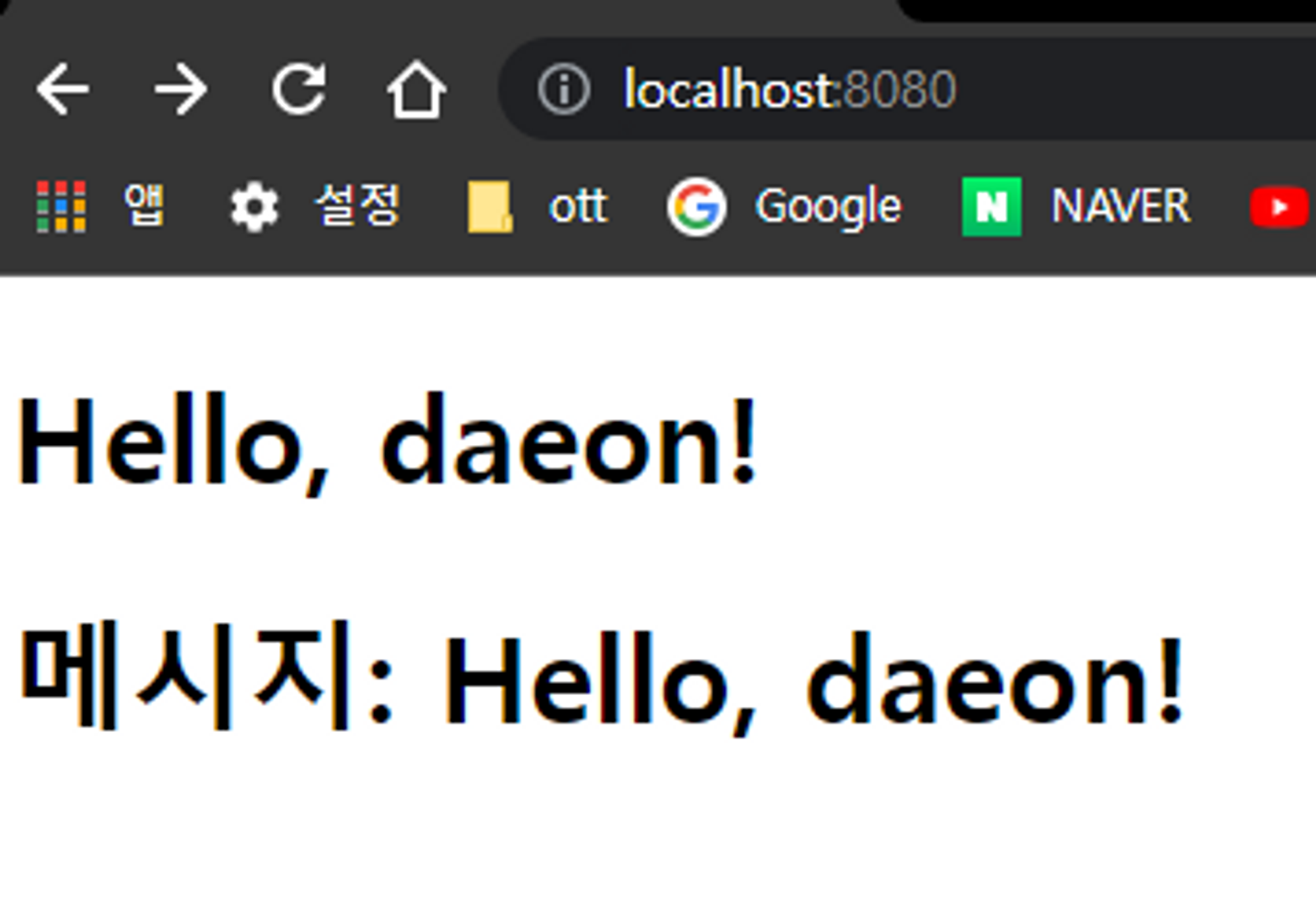
<h1 th:text="${message}">여기에 글을 대치할 예정입니다.</h1>
<h1>메시지: [[${message}]]</h1>
</body>
</html>
- Student.html
<!DOCTYPE html>
<html lang="en">
<head>
    <meta charset="UTF-8">
    <title>Studen</title>
</head>
<body>
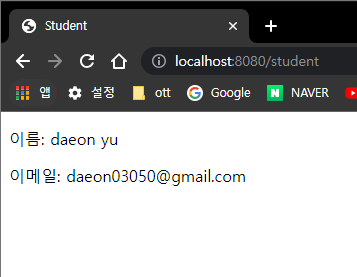
<p>이름: [[${object.name}]]</p>
<p>이메일: [[${object.email}]]</p>
</body>
</html>
- if-unless.html
<!DOCTYPE html>
<html lang="en">
<head>
    <meta charset="UTF-8">
    <title>If Unless</title>
</head>
<body>
<!--로그인 되어있을 때 보여져야 하는 것-->
<div th:if="${isLoggedIn}">
    <p>You are logged in.</p>
</div>
<!--로그인 되어있지 않을 떄 보여져야하는 것 -->
    <div th:unless="${isLoggedIn}">
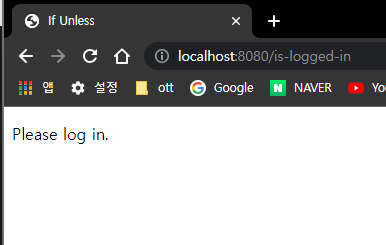
        <p> Please log in.</p>
   </div>
</body>
</html>

package com.example.mvc;

import com.example.mvc.model.Student;
import org.springframework.stereotype.Controller;
import org.springframework.ui.Model;
import org.springframework.web.bind.annotation.RequestMapping;

import java.util.ArrayList;
import java.util.List;

@Controller
public class MvcController {
    //home 객체
    @RequestMapping("/")
    public String home(Model model) {

        model.addAttribute("message",
                "Hello, daeon!");
        return "home";
    }

    //student 객체를 모델에 전달
    @RequestMapping("/student")
    public String student(Model model) {
        model.addAttribute("object",
                new Student("daeon yu",
                        "daeon03050@gmail.com"));
    return "student";
    }

    //로그인 객체
    @RequestMapping("/is-logged-in")
    public String isLoggedIn(Model model){
        model.addAttribute(
                "isLoggedIn",
         //       true //You are logged in
                false //Please log in 출력
        );
        return "if-unless";
    }

    //리스트 객체 - foo,bar,baz 담겨있음
    @RequestMapping("/each")
    public String items(Model model){
        List<String>listOfStrings = new ArrayList<>();
        listOfStrings.add("foo");
        listOfStrings.add("bar");
        listOfStrings.add("baz");
        model.addAttribute("listOfStrings",listOfStrings);
        return "each";
    }

}

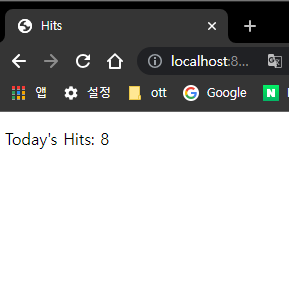
- 새로고침할때마다 증가
정리 :
- 오늘은 MVC에서 View를 분리했음
1) 문자열을 전달받아 HTML에 출력하기( th:text, ${}, [[ ]] )
2) 객체를 전달 받아 HTML에 출력하기( [[ ]], ${} )
// Student 객체
public class Student {
    private String name;
    private String email;

    public Student(String name, String email) {
        this.name = name;
        this.email = email;
    }
    public String getName() { return name; }
    public void setName(String name) { this.name = name; }
    public String getEmail() { return email; }
    public void setEmail(String email) { this.email = email; }
}
@Controller
public class MvcController {
		@RequestMapping("/student")
    public String student(Model model) {
        model.addAttribute(
                "object",
                new Student("Kim", "asdf@asdf.com")
        );
        return "student";
    }
}
<!DOCTYPE html>
<html lang="ko">
<head>
    <meta charset="UTF-8">
    <title>Student</title>
</head>
<body>
	<!-- attributeName.[객체 속성]으로 사용할 수 있다. -->
  <p>이름: [[${object.name}]]</p>
  <p>이메일: [[${object.email}]]</p>
</body>
</html>

3) 조건에 따라 HTML에 출력하기( th:if, th:unless )
@RequestMapping("/is-logged-in")
    public String isLoggedIn(Model model) {
        model.addAttribute("isLoggedIn", true); // 로그인 했을 때
				model.addAttribute("isLoggedIn", false); // 로그인 하지 않았을 때
        return "if-unless";
    }
<!DOCTYPE html>
<html lang="en">
<head>
    <meta charset="UTF-8">
    <title>If Unless</title>
</head>
<body>
	<!-- ※ thymeleaf에서는 if, else가 아닌 if, unless 사용 -->
  <!-- 로그인 했을 때 -->
  <article th:if="${isLoggedIn}">
    <p>You are logged in.</p>
  </article>
  <!-- 로그인 하지 않았을 때 -->
  <article th:unless="${isLoggedIn}">
    <p>Please log in.</p>
  </article>
</body>
</html>
